HHS Accelerate.
An enterprise application design case study showing the journey from discovery and information architecture to wireframes, a cohesive UI system, and polished dashboard screens.
Designing for complex workflows.
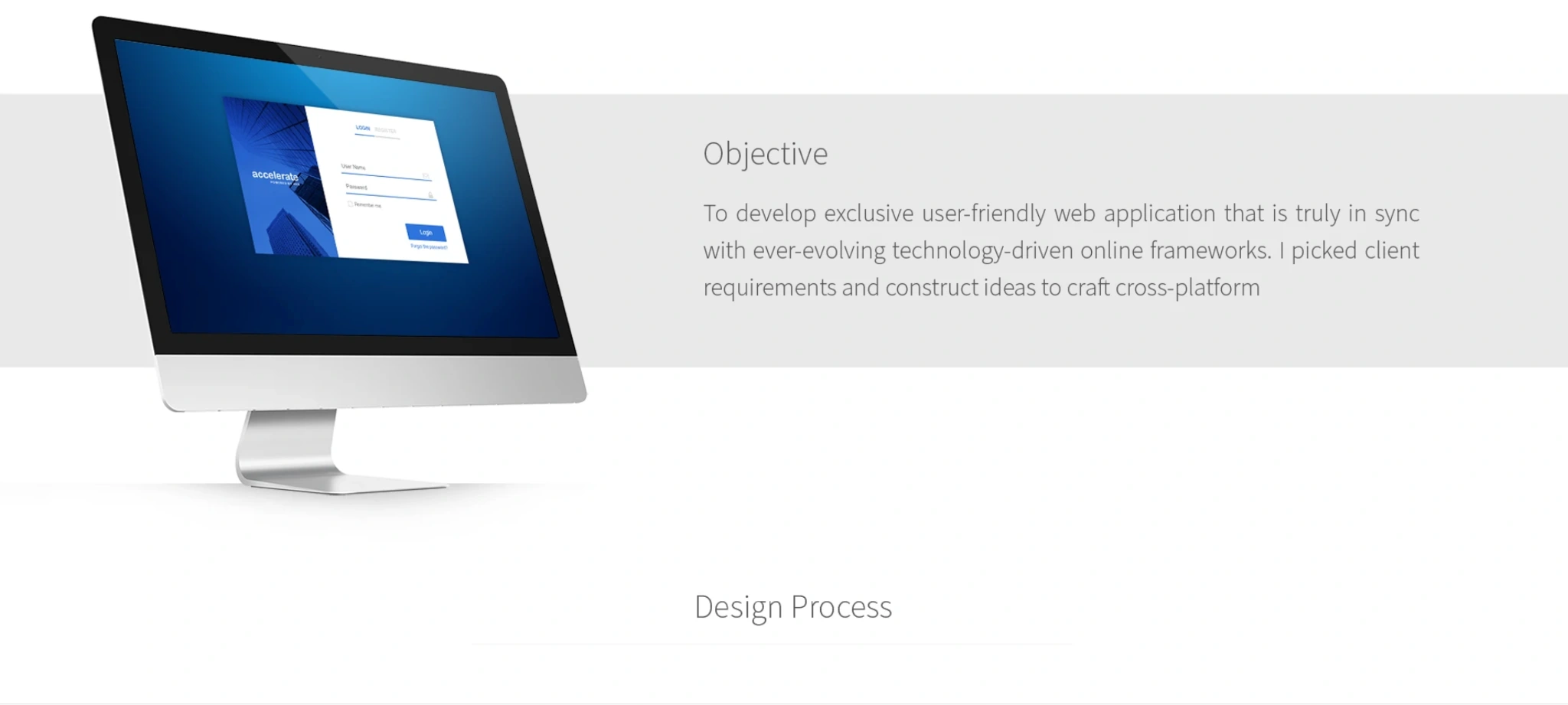
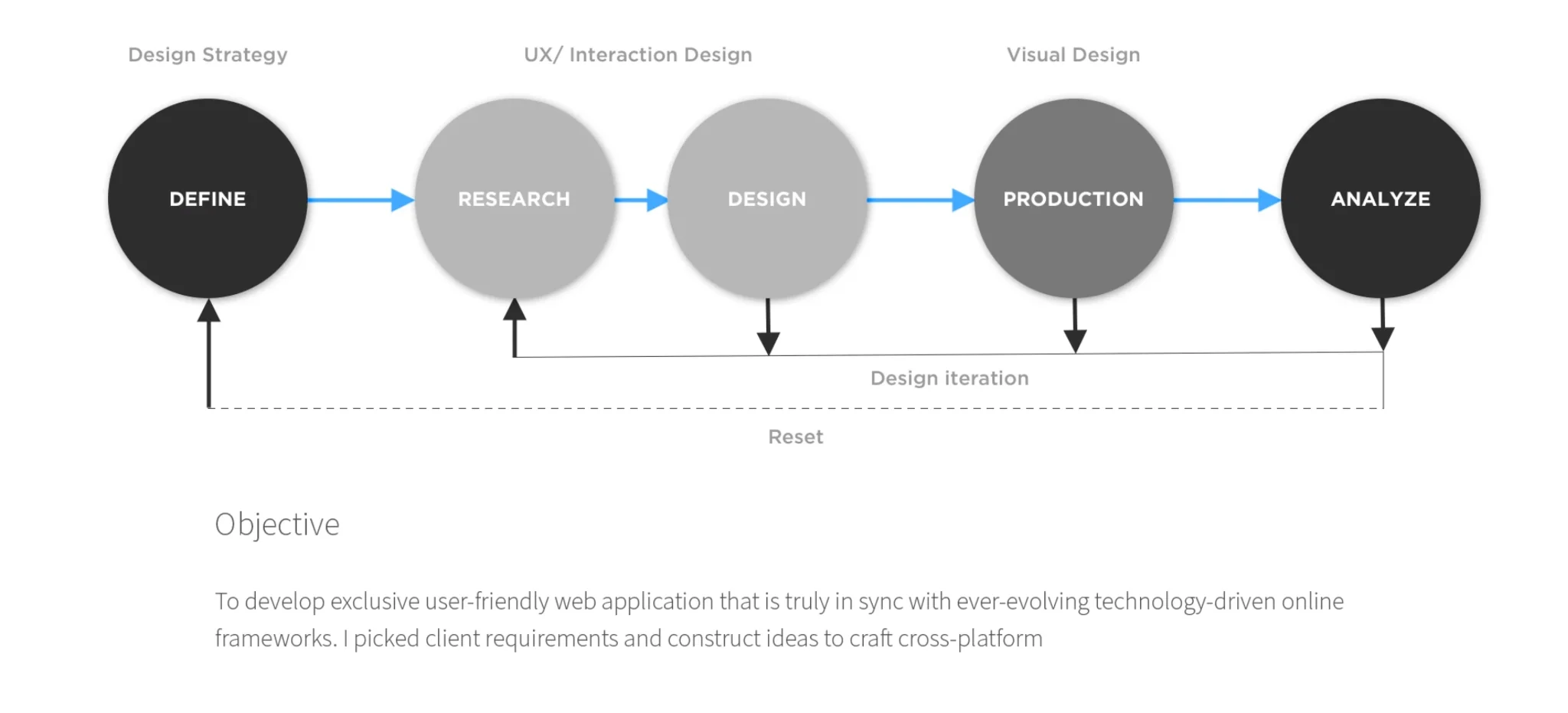
The HHS Accelerate web application project (2018–2021) involved UX research leadership and end-to-end visual design for the U.S. Department of Health and Human Services. The application focuses on organizing acquisition and contracting workflows through a clearer, user-centered enterprise interface. The supplied portfolio presentation documents the design journey, from initial discovery and planning to refined application screens.
The focus of this case study is the design process and the proposed user experience. The screenshots illustrate interface concepts and design deliverables rather than verified production results.
Structure before screens.
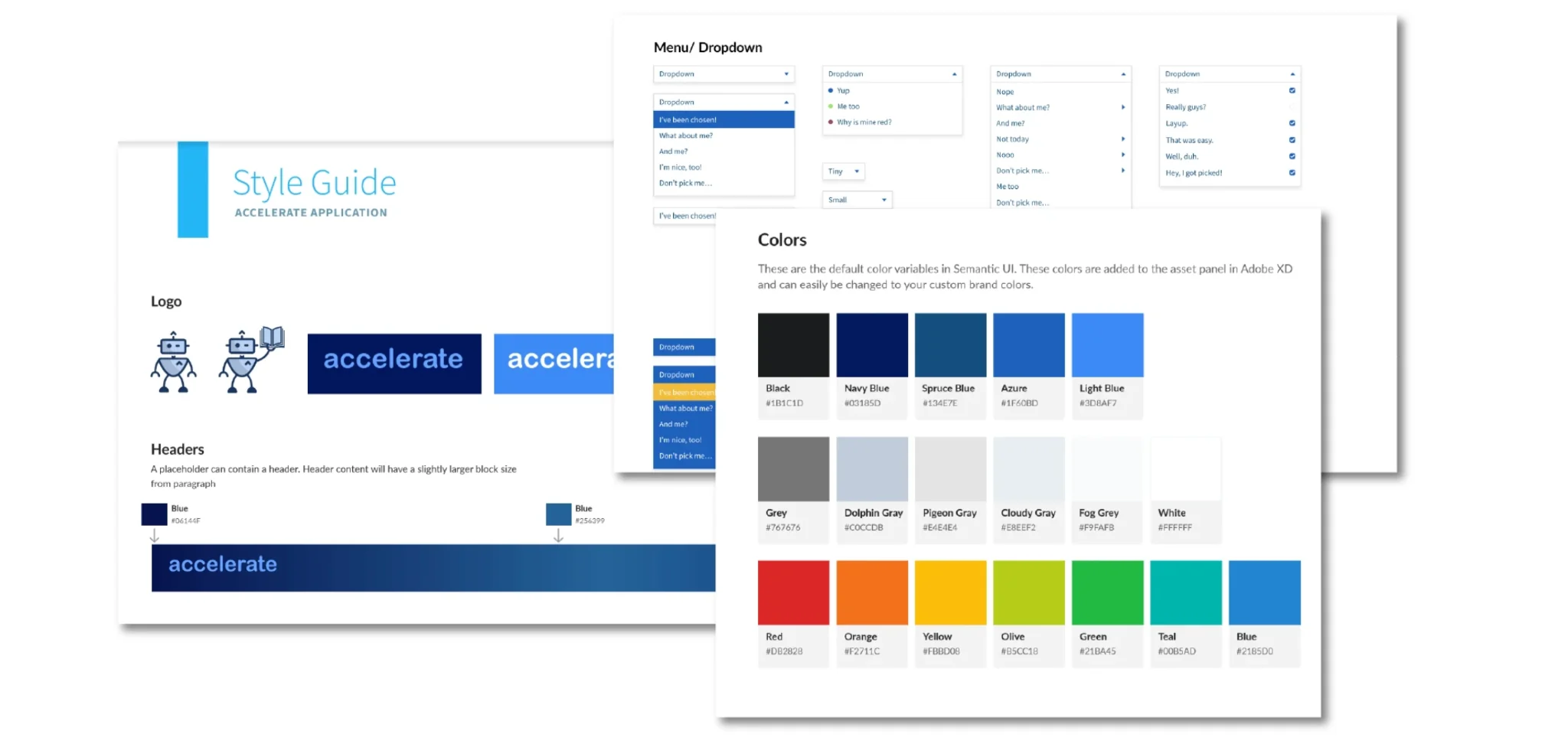
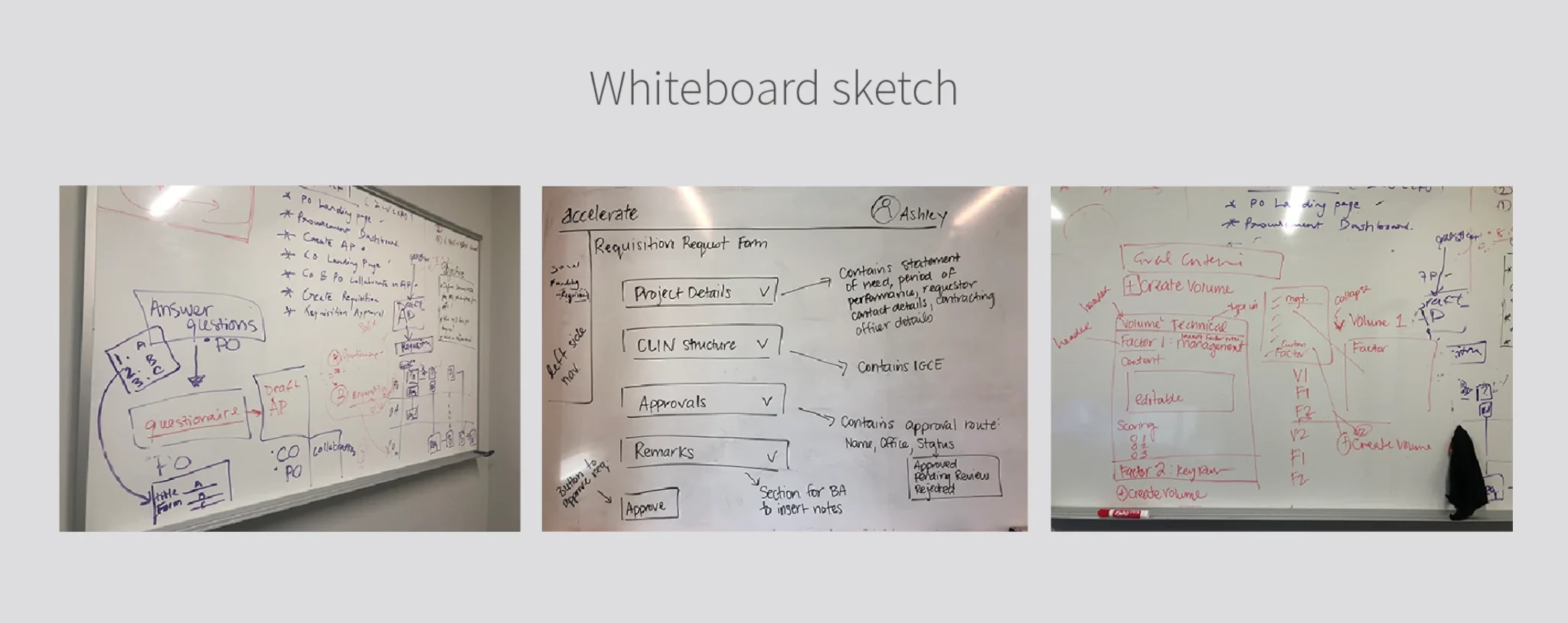
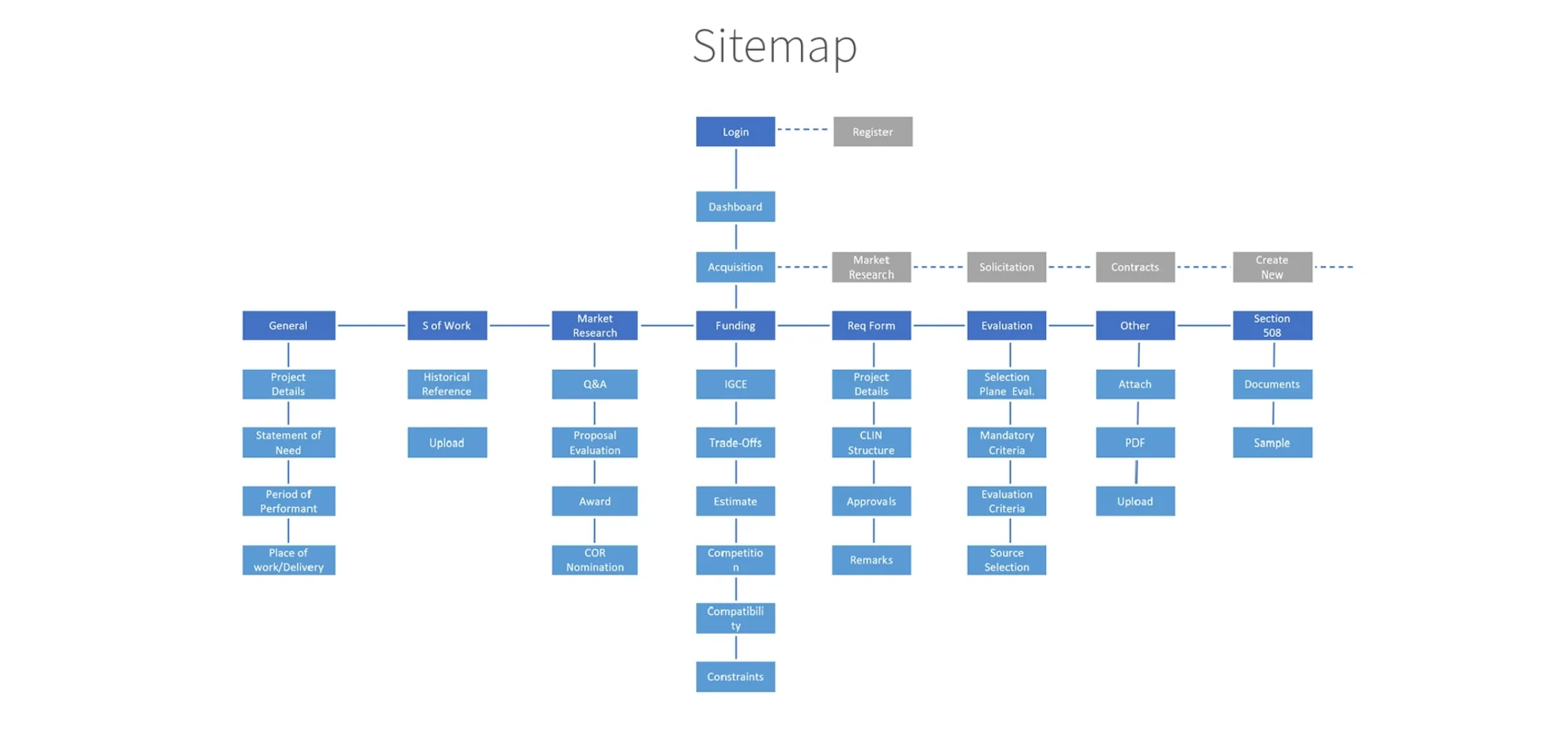
Early exploration and planning inform the application’s navigation, content hierarchy, and task flows. The project presentation includes a style guide, whiteboard sketches, and site mapping that help translate complex requirements into a more organized experience.
This foundation provides a shared reference for subsequent wireframes, UI patterns, and visual design decisions.
Make the path clear.
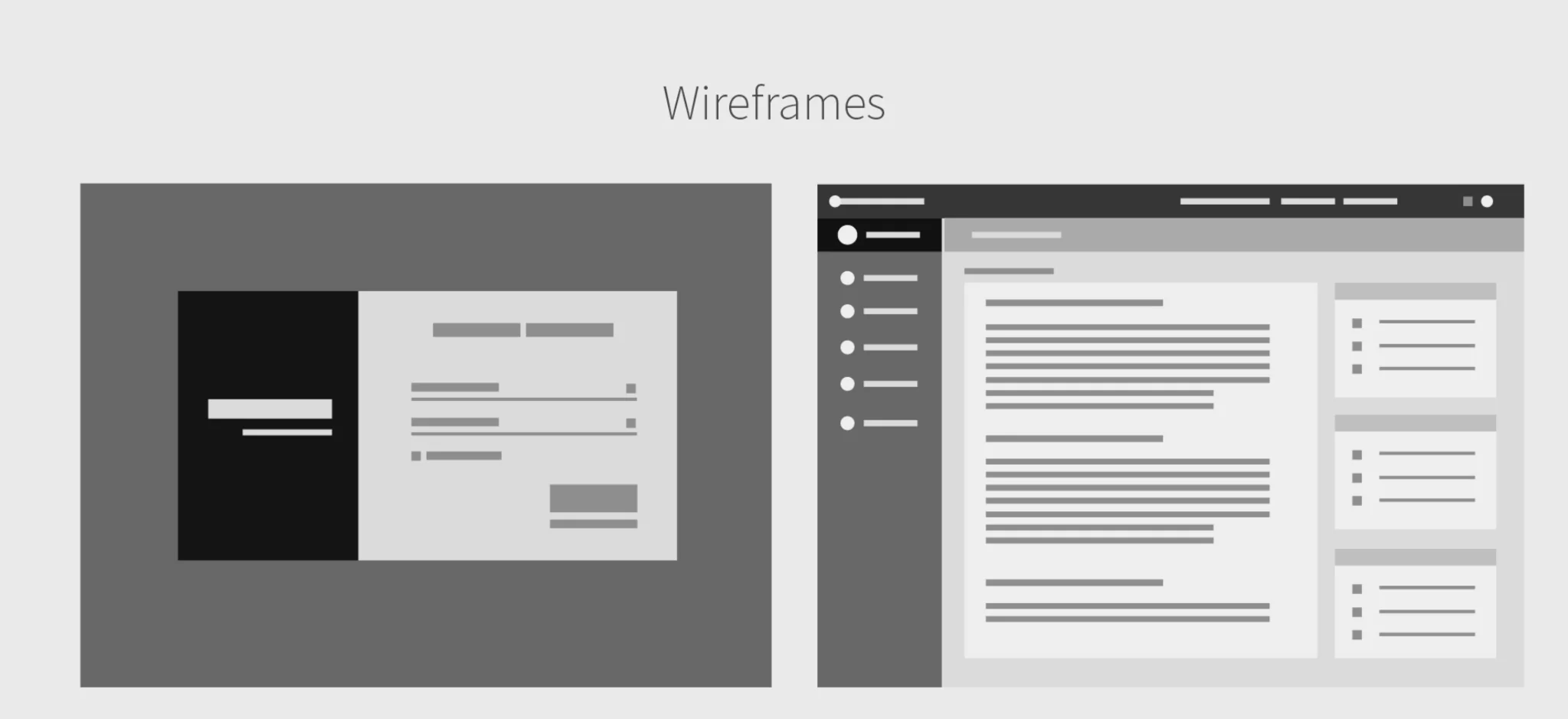
The site map and wireframes explore how users move through the application and how related information is grouped. These early layouts prioritize clarity and a predictable structure before visual polish.
By mapping relationships between screens and functions, the design process can surface navigation issues and guide interface refinement.
From wireframe to interface.
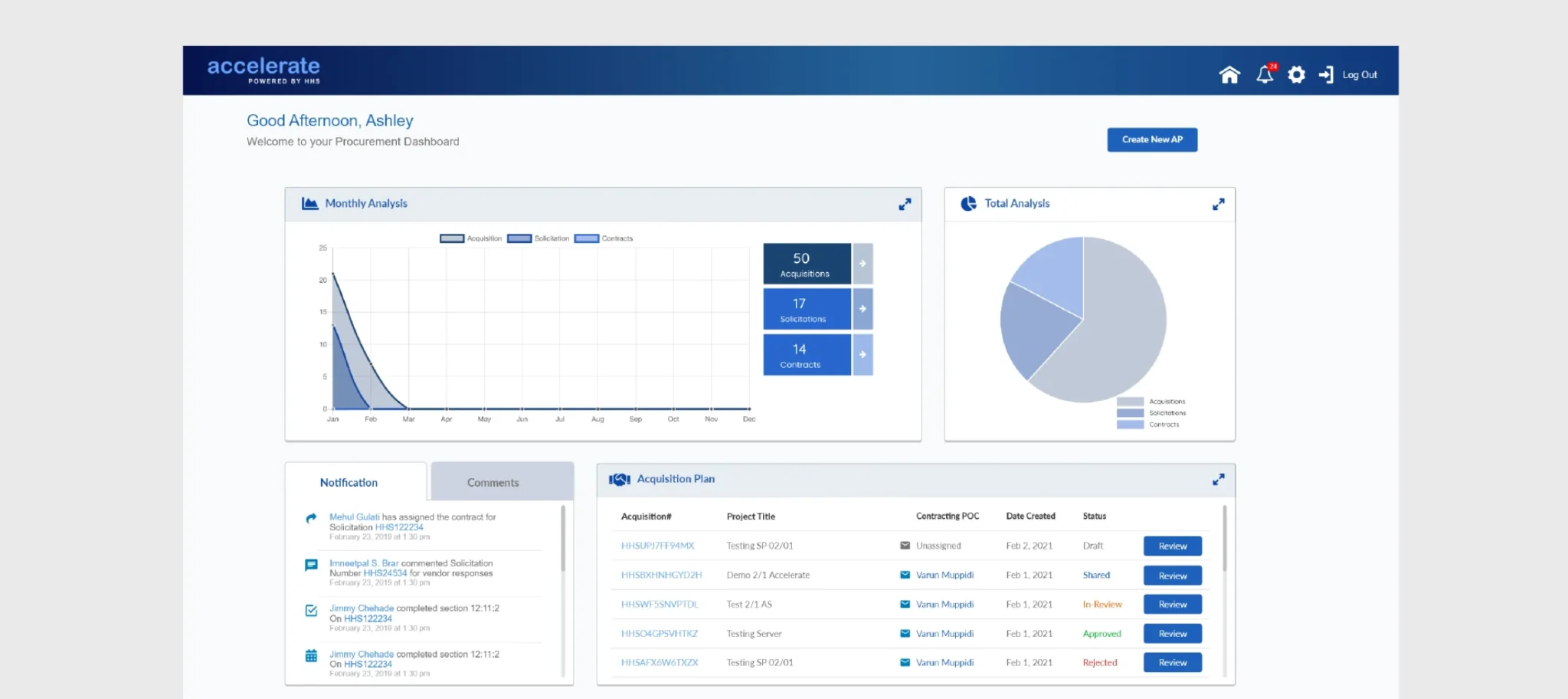
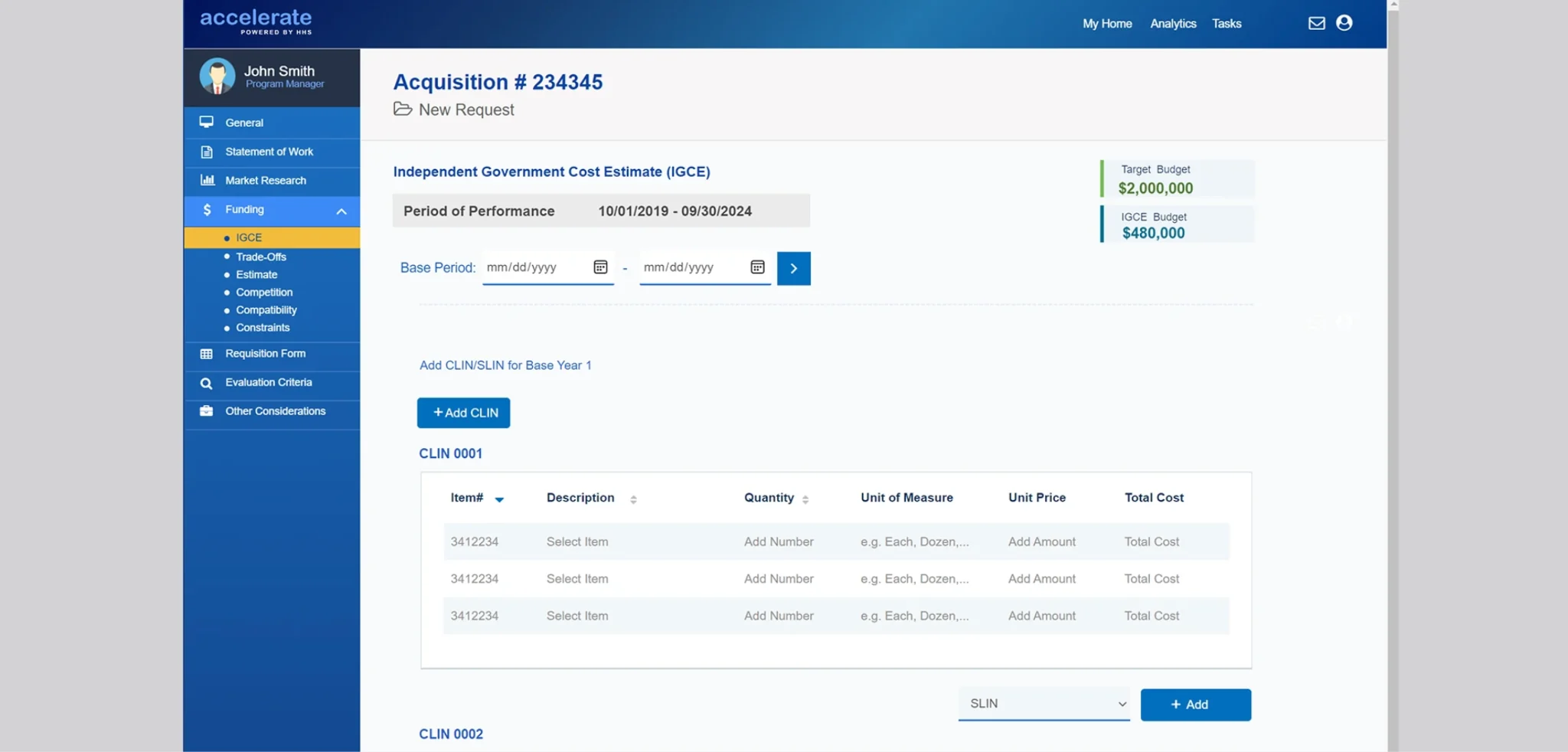
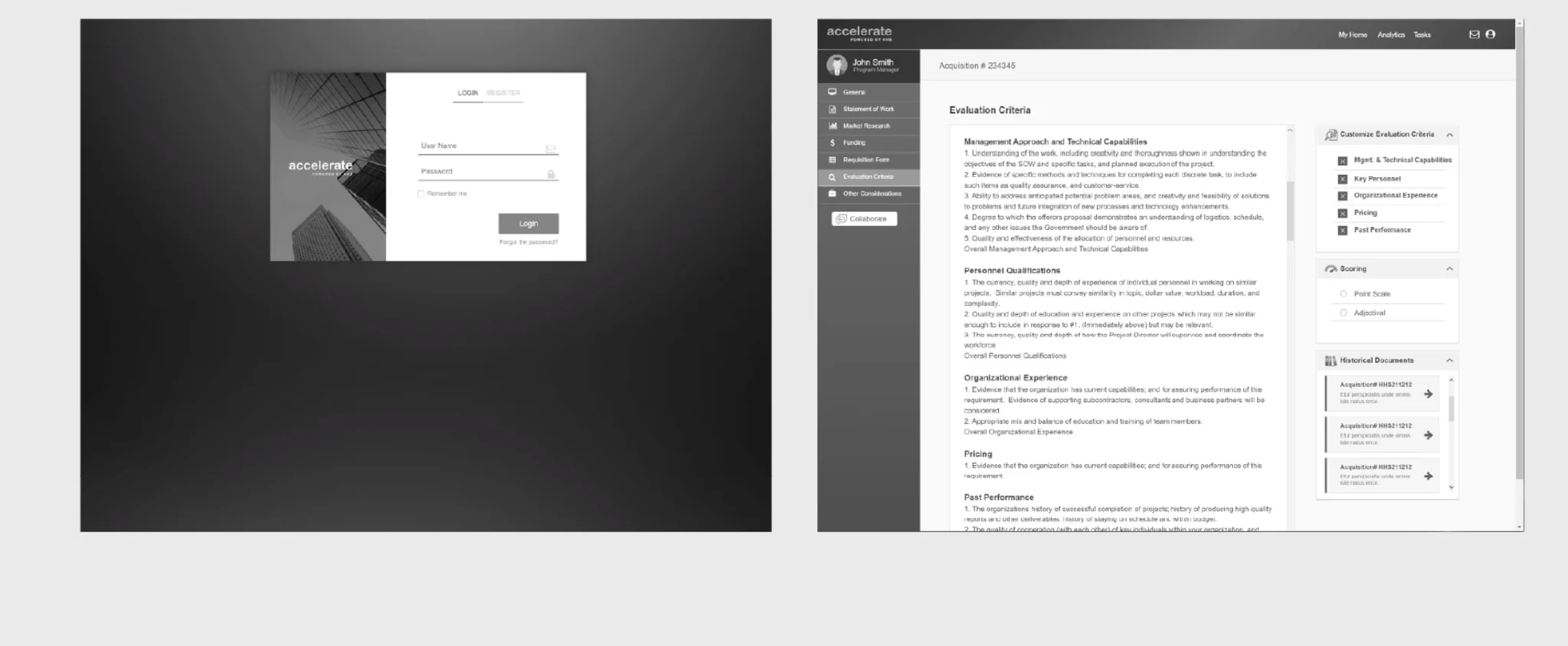
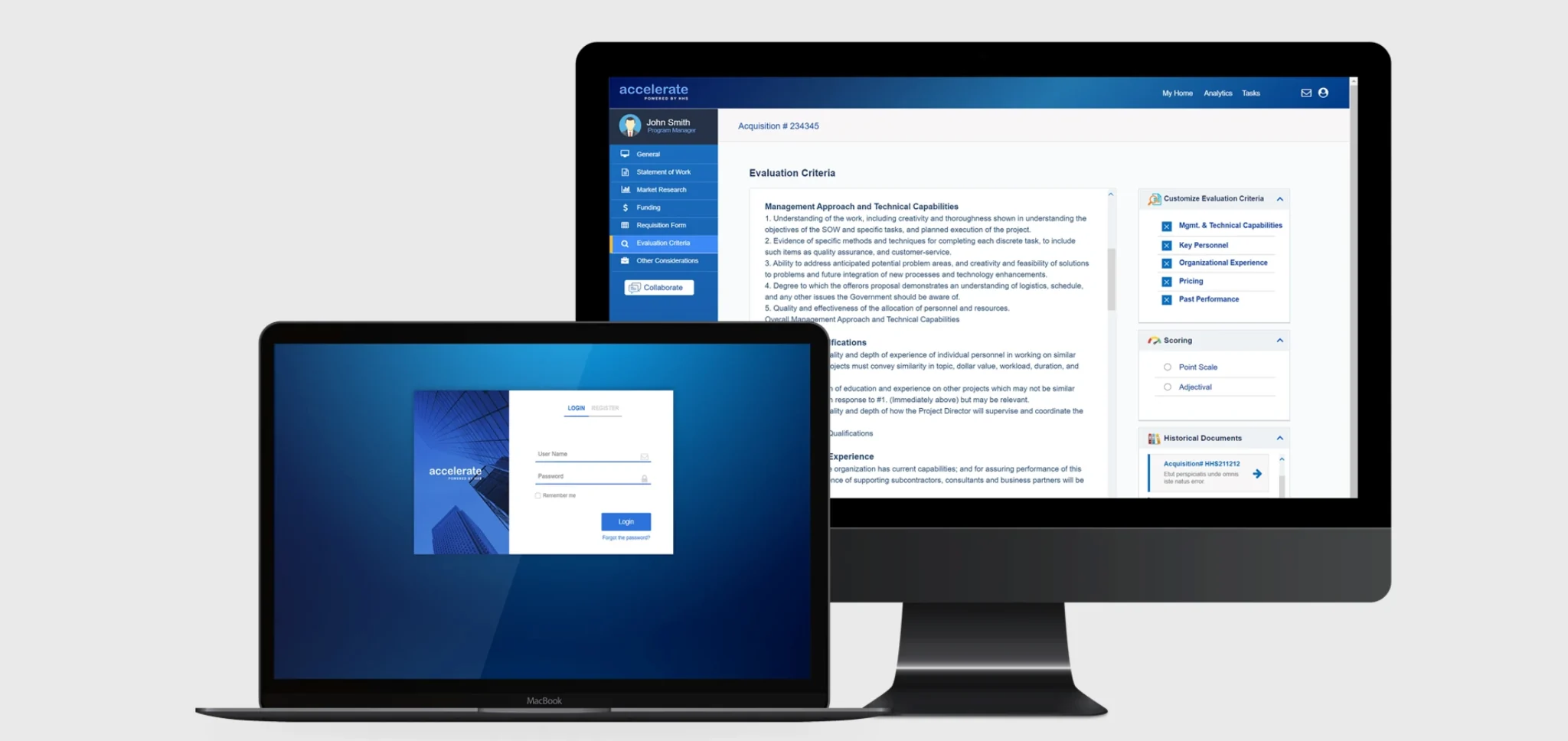
The interface direction brings together reusable navigation patterns, dashboard components, content panels, and forms within a consistent blue-led visual system. The presentation demonstrates how early layouts evolved into more detailed application screens.
A shared style guide and component language support consistency across views, helping users recognize controls and interpret information more easily.
Clarity at every level.
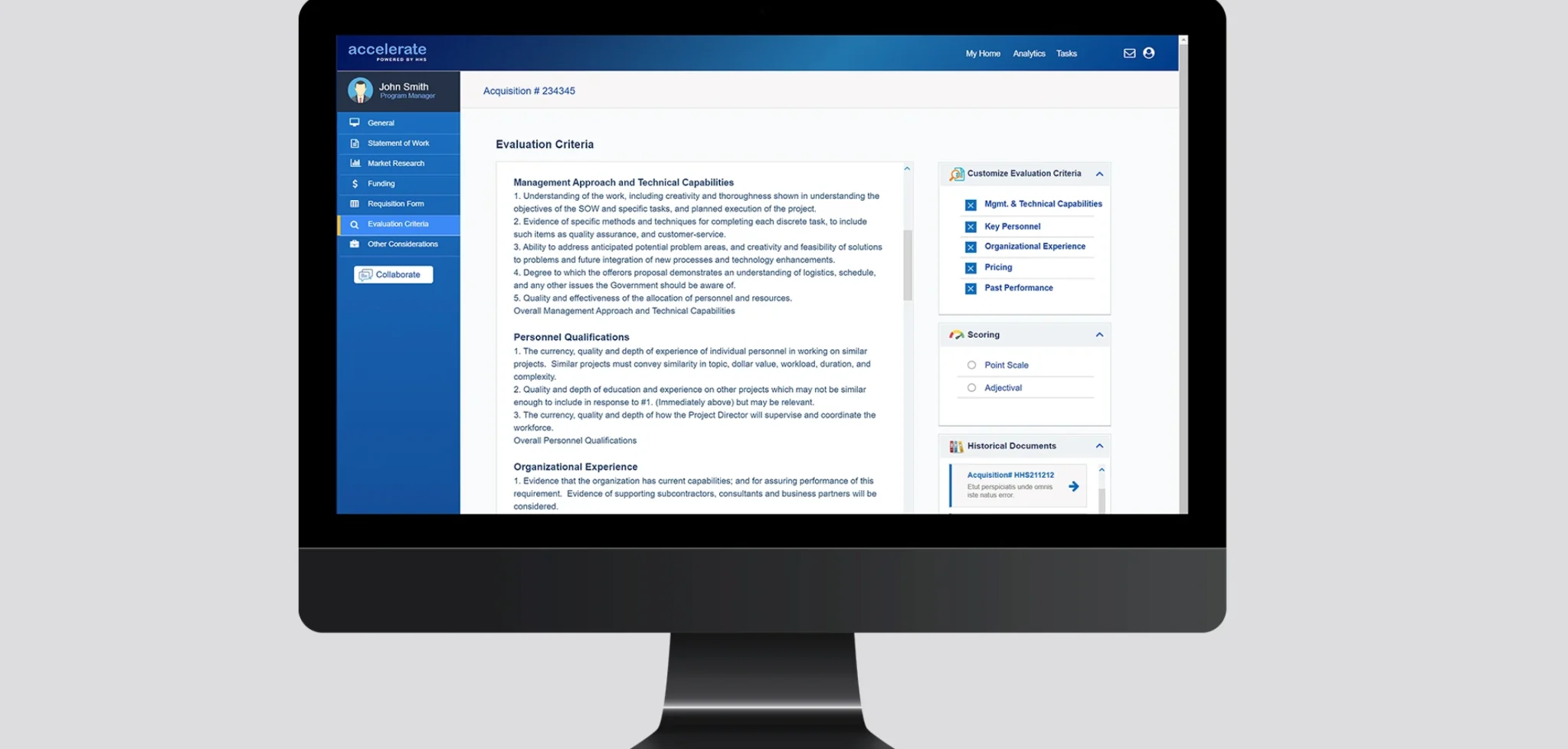
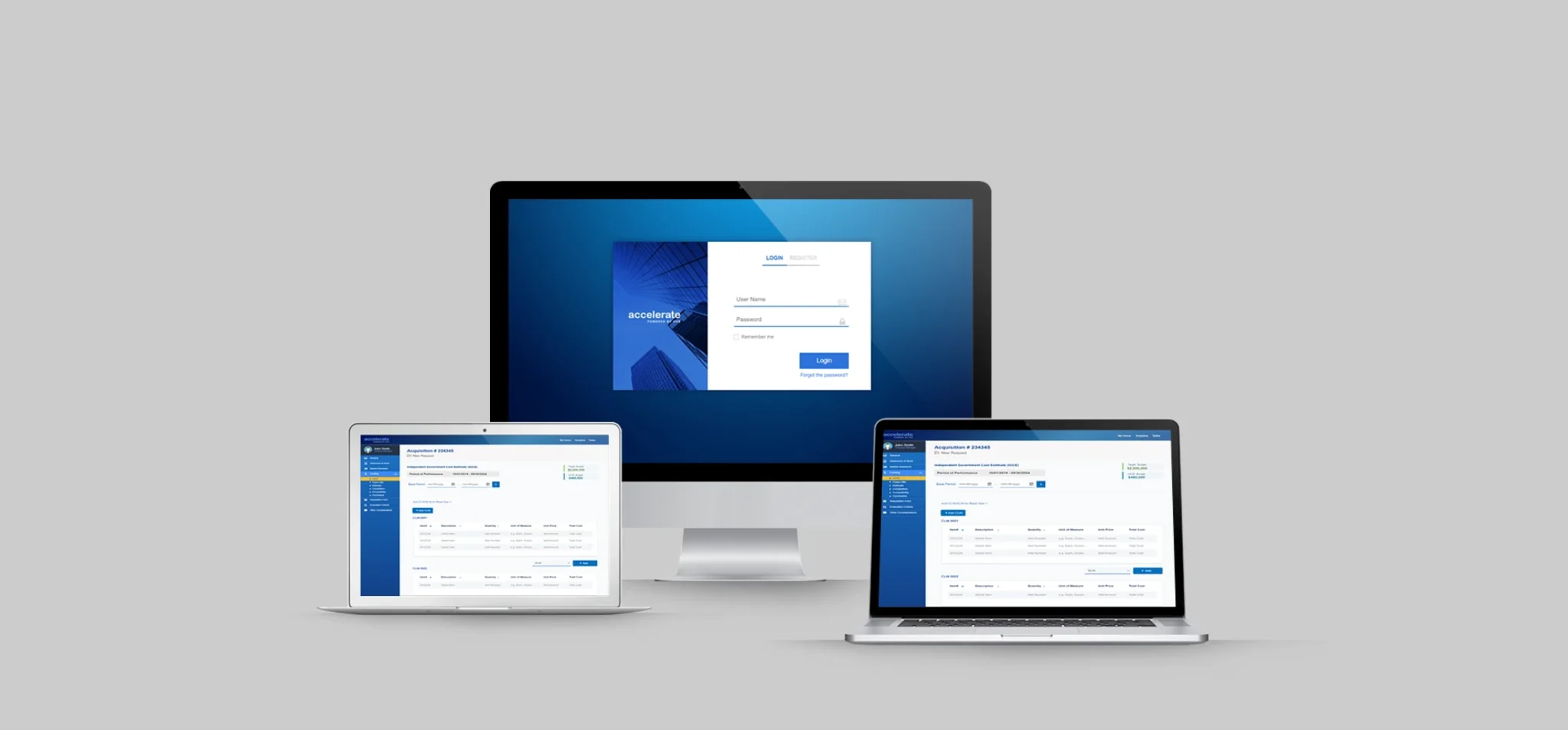
The final presentation explores desktop application views, data summaries, and supporting layouts across different screen contexts. Visual hierarchy, restrained colors, and clear grouping of information are central to the proposed experience.
Together, the screens illustrate a coherent direction for an enterprise application built around usability, consistency, and accessible information.